Tenant Management
Tenants provide a secondary layer of isolation within a Company. They are useful for segmenting configurations between different teams or products.
Isolation & Security
Tenants provide strong isolation for your API consumers and keys. A consumer assigned to one tenant cannot access endpoints belonging to another tenant, unless explicitly shared through a common Catalog.
UI Usage Guide
Follow these steps to create and manage tenants.
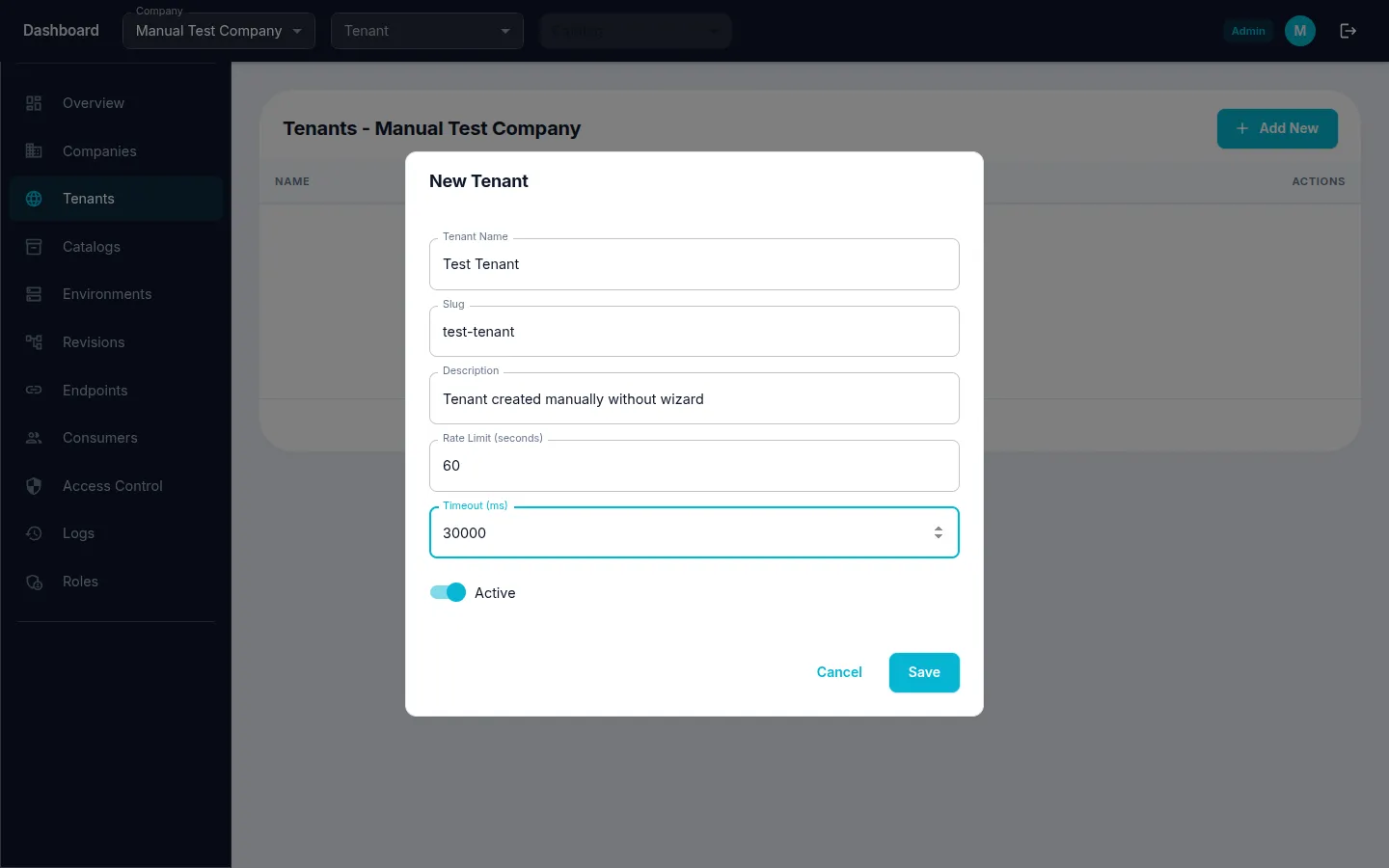
Step 1: Create a Tenant
Navigate to the Tenants page from the sidebar menu.
- Click the "Create" (or "+") button.
- Fill in Tenant Name, Slug, and Description.
- Configure Rate Limit and Timeout as needed.
- Click "Save" to create the tenant.
- A success message confirms the tenant was created.
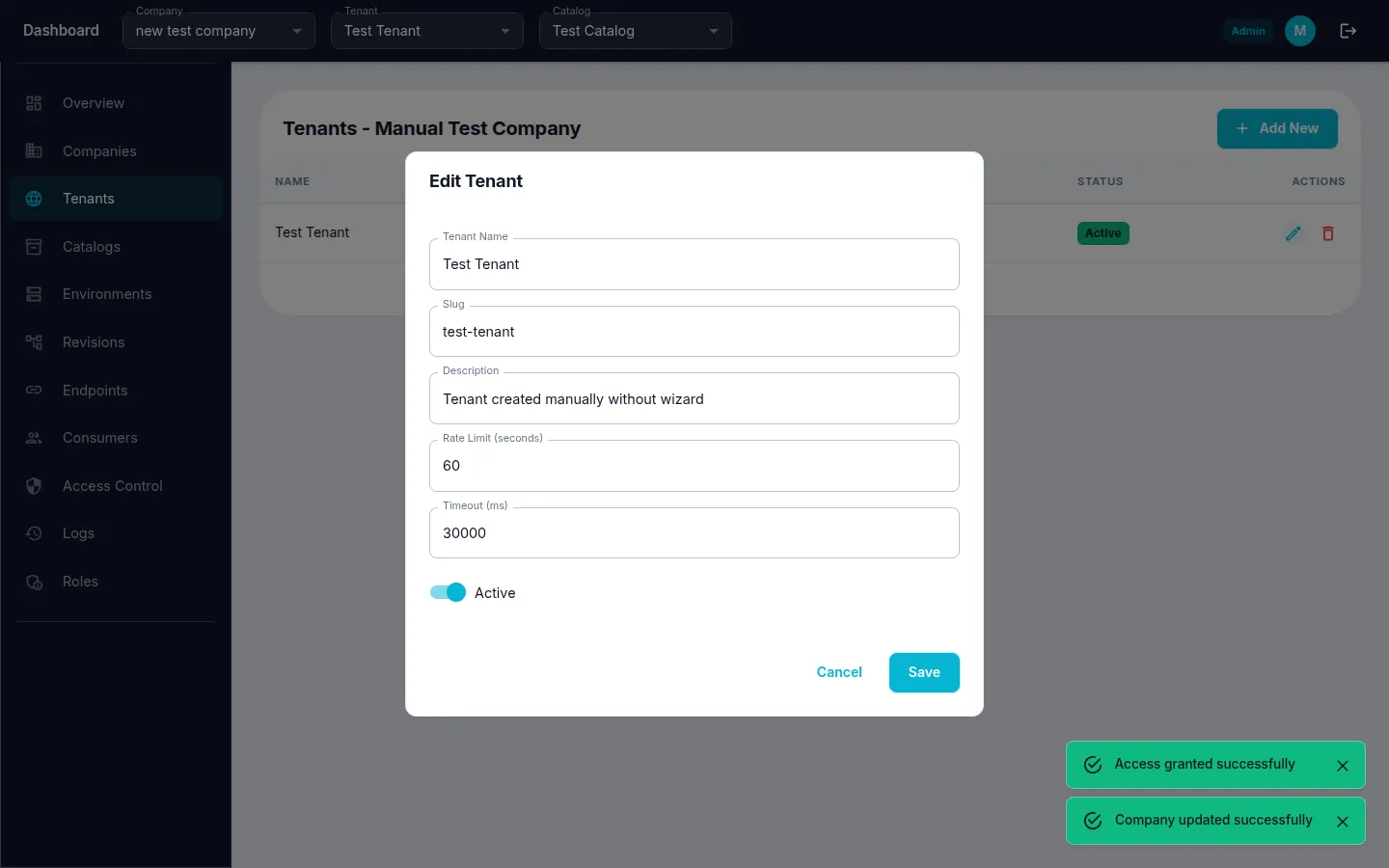
Step 2: Edit an Existing Tenant
- Navigate to Tenants from the sidebar menu.
- Click the edit icon on the tenant row.
- Modify the Tenant Name or other fields.
- Click "Save" to apply changes.